Get access to the sandbox¤
The eccenca Corporate Memory sandbox is a free, personal Corporate Memory instance for trying out the product. It is provided at eccenca.my as the Community Edition sandbox.
The following steps register an account at eccenca.my and sign in to the sandbox. The result is a running sandbox that serves as the starting point for the tutorials in this documentation.
For the content that a new sandbox includes, and for its limitations, see Welcome to your eccenca Corporate Memory Sandbox.
Existing instance
With access to an existing Corporate Memory instance, no registration is needed. Open the URL of the instance and sign in with the credentials provided by its administrator, as described in Login and Logout.
Prerequisites¤
The following items are required:
- An email address that receives the messages from eccenca.my
- A supported web browser, as listed under Minimal requirements
Register an account¤
- Open eccenca.my in a web browser.
- Click GET STARTED. The eccenca.my sign-in form opens.
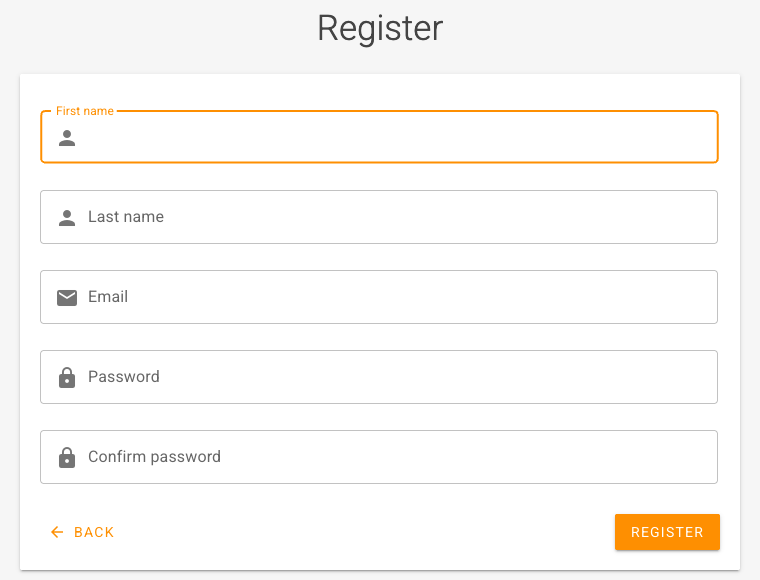
- Click Register. The Register form opens.
-
Enter the following values:
- First name: the first name of the account holder
- Last name: the last name of the account holder
- Email: the email address that is used to sign in
- Password: a password for the account
- Confirm password: the same password again
-
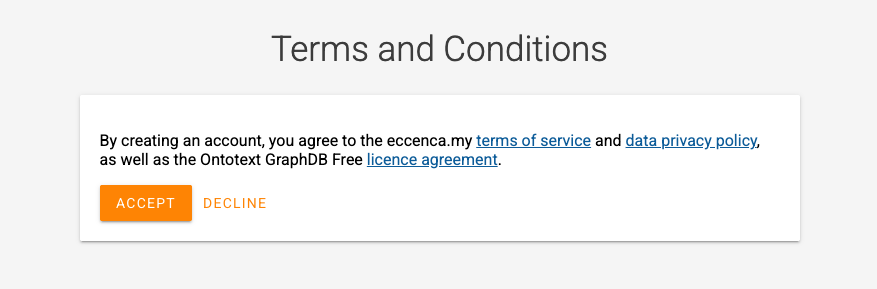
Click REGISTER. The Terms and Conditions dialog opens. It covers the eccenca.my terms of service, the data privacy policy and the Ontotext GraphDB Free license agreement.
-
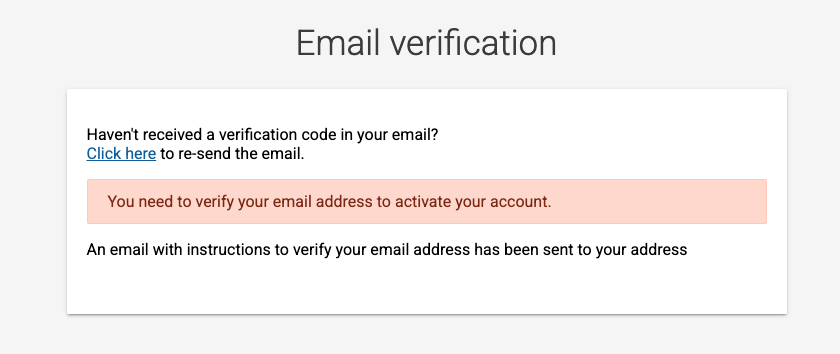
Click ACCEPT. The Email verification form opens, and eccenca.my sends an email with instructions to verify the email address.
-
Follow the instructions in the email to verify the email address. The account is activated, and the Your Sandboxes overview opens.
Request a sandbox¤
-
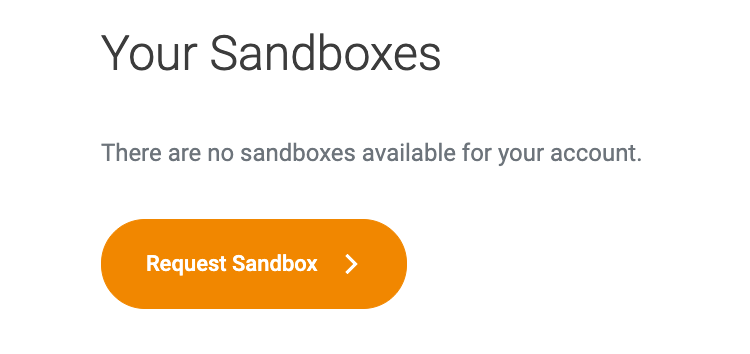
In the Your Sandboxes overview, click Request Sandbox.
-
Enter a name of choice for the instance in the form.
The provisioning of the sandbox takes up to 24 hours. When the sandbox is ready, eccenca.my sends an email with the link to the sandbox and its credentials.
Open the sandbox¤
- Open the link from the email that announces the sandbox.
- Sign in with the credentials from the same email.
Next¤
- Highlight features: five features that set Corporate Memory apart, with the documentation for each
- Basic, the guided path from a source file to a knowledge graph in about four hours, is in preparation. Until then, the Tutorials cover the first steps.